







3D Modeling: The Art of Virtual Crafting
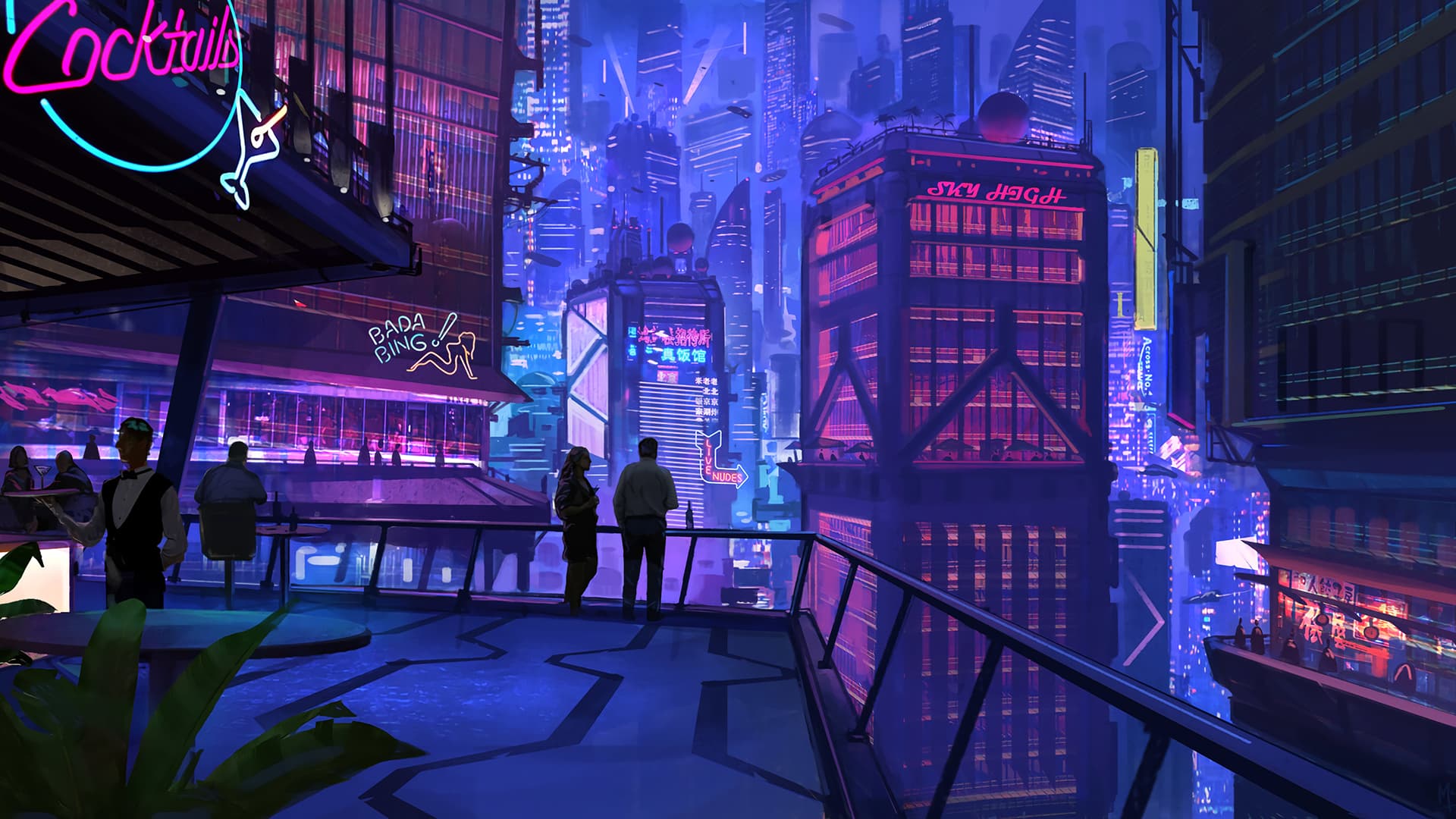
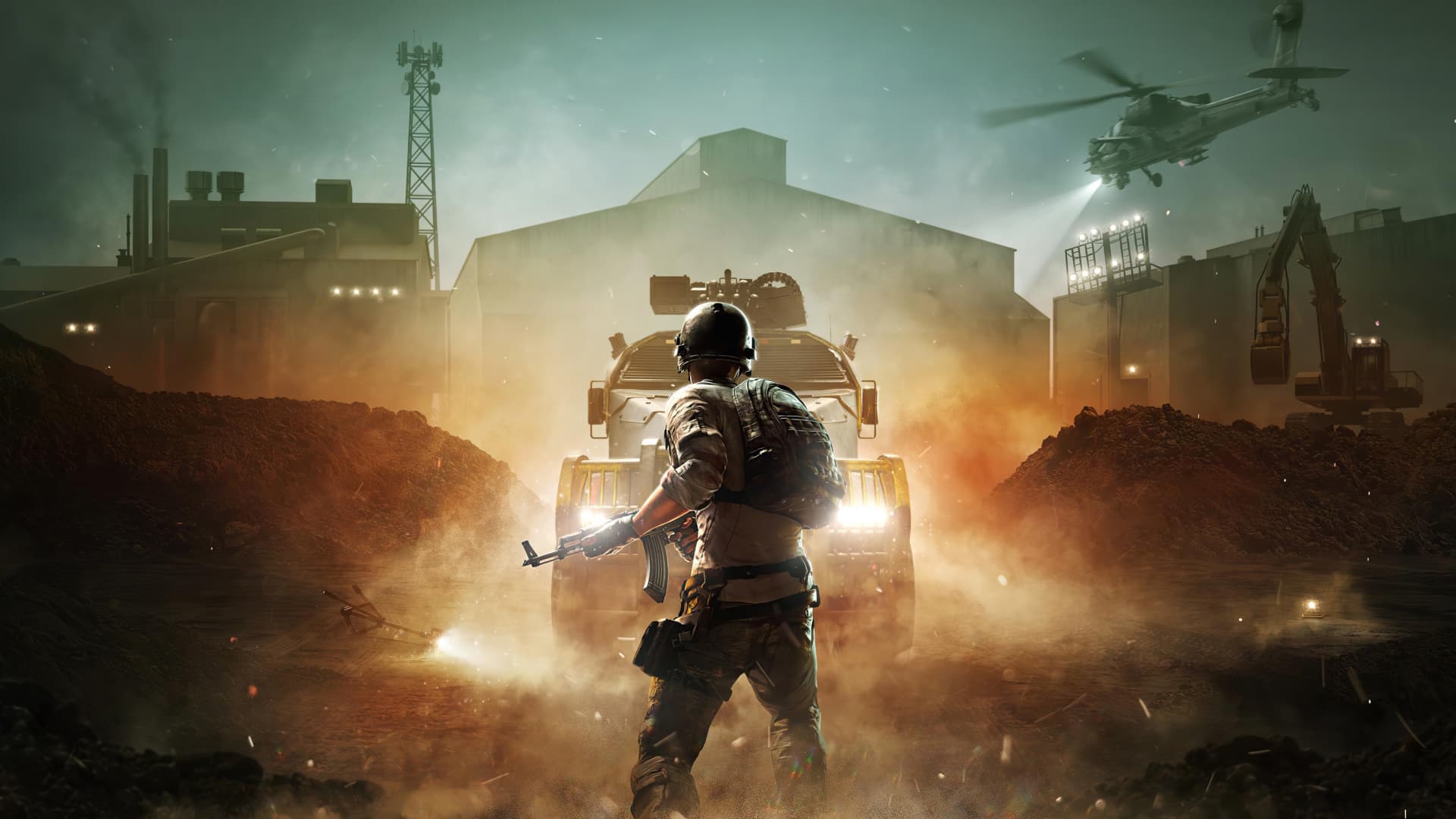
Imagine walking through a fantastical, digital forest that feels so real you can almost smell the pine. Or holding a physical prototype of a gadget that, until a few moments ago, only existed in your imagination. These wonders, and countless more, are possible thanks to the magic of 3D modeling.